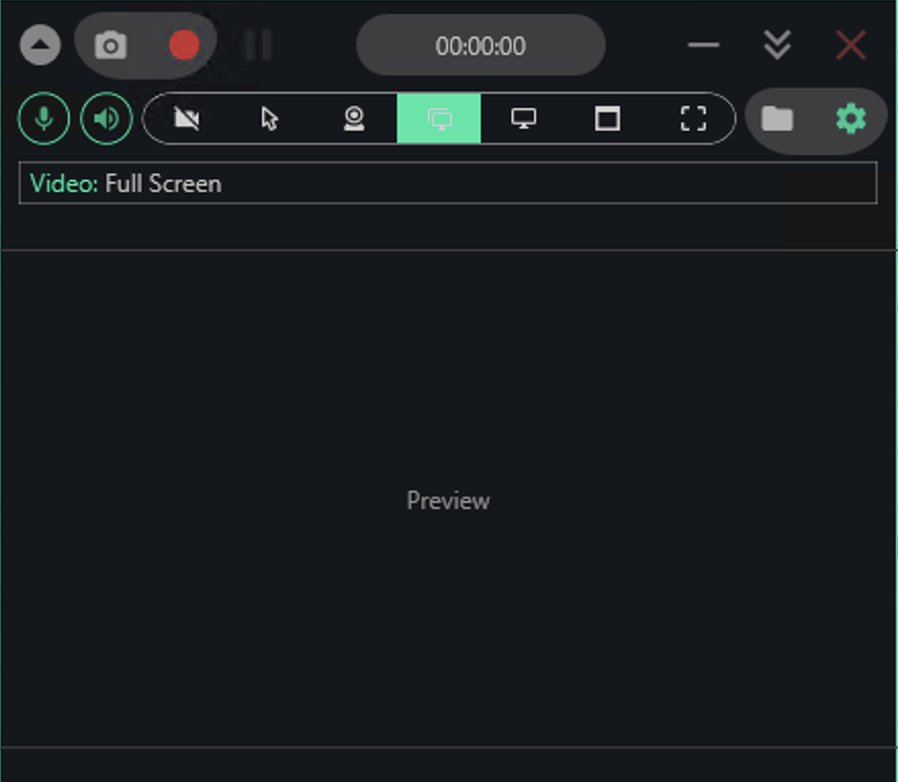
Record full screen, single windows, or custom regions on Windows 10 and 11. Capture your mic and system audio together in one MP4 file, launched from a hotkey and saved locally—no sign-up, no cloud, no bloat.
You'll be recording within seconds of opening the app.
Windows Game Bar records fast clips, but stumbles on everyday tasks—it won't touch File Explorer, skips region capture, and forces you through menus.

Laptop Screen Recorder gives you four ways to frame your capture: full screen for complete recordings, a single window for focused tutorials, a drawn region for zoomed-in details, or a specific monitor when you're working across multiple displays. Every output arrives as a clean MP4 with no watermark burning into the corner.
Yes. No paid tier, no trial window, no upgrade nag. You get everything from the first download.
No. There's no account, no cloud, no login. Just extract and run.
Yes, and on Windows 10 as well (64-bit versions). It also runs on earlier Windows releases that have .NET Framework 4.7.2.
No. Your output is clean—no logos, overlays, or branding added to the video.
Yes. Toggle both on in the toolbar, and they'll be mixed into a single MP4 file.
No. Running it from your user folder is enough for screen and audio capture.
Your files stay on your device in the Videos\Laptop Screen Recorder folder. The app never uploads anything or connects to the internet.
Extract the file, pick your capture source, and hit record—you'll have a clean MP4 in seconds.
Download for Windows